LEGO® SPIKE™ App Setup & Parent Guide
Official Download Links, App Capabilities & STEAM Learning Tutorials for Families
FIRST FLL #76265
LEGO LEGENDS
👨👩👧👦 Parent & Student Overview
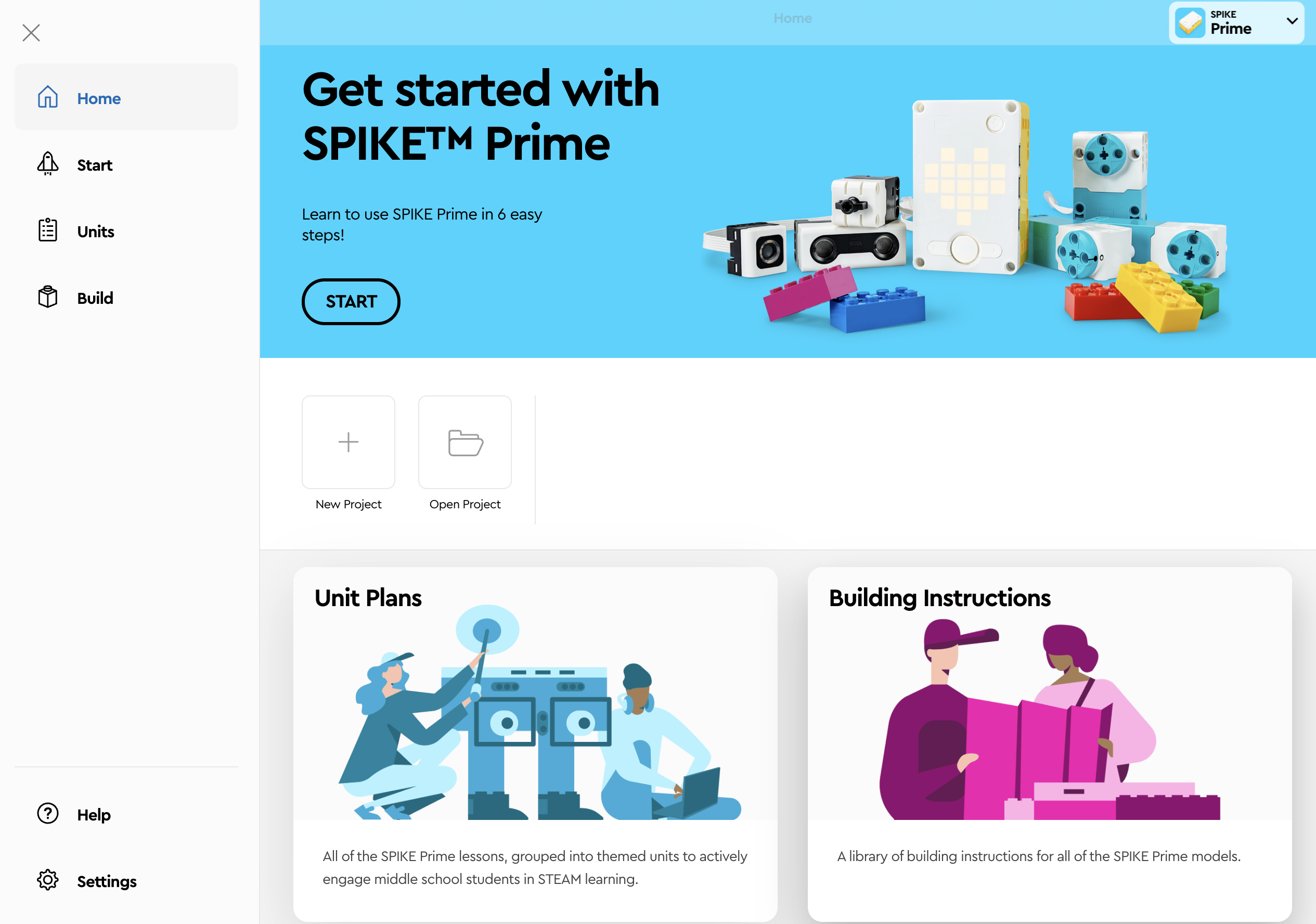
📸 SPIKE™ Prime Home Lobby
Official coding & curriculum hub
🤖 What the App Does
-
Drag & Drop Scratch Blocks: Students assemble intuitive code blocks to move wheels, spin arms, and play fun sounds—no typing frustration!
-
Zero Frustration (No Typos): Blocks snap together like puzzle pieces with zero syntax errors to worry about—pure problem-solving and fun!
-
Wireless Bluetooth Link: Connects directly to the robot Hub to upload code, run tests, and debug in real time without messy cables.
-
Live Sensor Telemetry: Shows real-time readouts from ultrasonic distance, gyro tilt, and color sensors so students see data science in action.
-
Portable Mission Files: Saves team projects locally so students can practice coding on any Chromebook, tablet, or home computer.
🎓 Tutorials to Help Students
-
"Start" 6-Step Launch: Guided interactive lessons that walk students through their first motor spins and sensor reactions in under 10 minutes.
-
"Unit Plans" Curriculum: Themed lesson packs (like Competition Ready & Invention Squad) with step-by-step engineering challenges.
-
"Building Instructions" 3D: Digital 3D assembly guides for robot driving bases, lifting arms, gearboxes, and competition attachments.
-
Instant Code Help & Samples: Built-in block dictionary explaining every function with working examples so kids never get stuck.
-
FLL Mission Drills: Pre-built exercises teaching line following, precision gyro turns, and autonomous navigation for tournament day!
🛡️
Parent Peace of Mind: The LEGO Education SPIKE App is 100% free, ad-free, COPPA-compliant, and works offline. No subscription or personal student data needed!
📲 Step 1: Download & Install on Your Device
⚡ Quick 3-Step Setup Instructions
-
1
Install or Open App: Scan the QR code for your device above, or open spike.legoeducation.org in Chrome.
-
2
Turn On & Pair Hub: Power on the Hub (center button) and click the blue Bluetooth button until it blinks. Tap Connect in the app.
-
3
Start Learning & Coding: Try the 6-step "Start" tutorial or create a new Scratch Word Block project for our team missions!