📋 How to Build Champion Checklists — Pokémon CRM Guide for Kids (Team #76265 "Lego Legends")
🖨️ Printable Checklist Builder Worksheet
Want the print-ready handout with the interactive Run Card Workshop for team binders and pit tables?
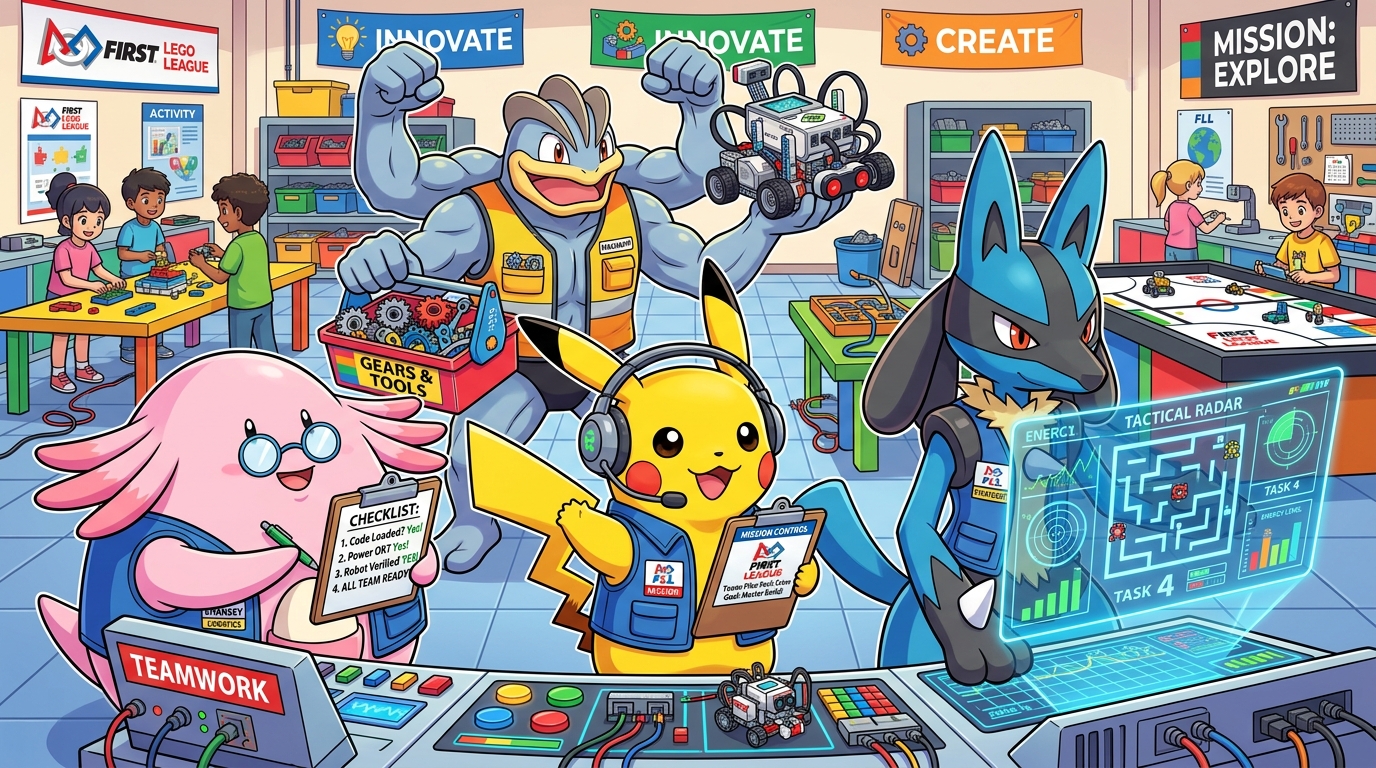
"In FIRST LEGO League, when the 2.5-minute match buzzer goes BEEP, you don't rely on memory alone. You rely on your team checklist to communicate cleanly and navigate calmly!"
🧠 Why Do Pokémon Champions & Astronauts Use Checklists?
In commercial aviation, space missions, and FIRST LEGO League table matches, mistakes rarely happen because students lack brainpower. Mistakes happen when adrenaline surges:
- The 2.5-minute match clock is ticking down on the big screen.
- Arena music is booming, parents are cheering, and referees are staring.
- Your heart beats at 150 BPM and your hands shake.
When that happens, your brain's short-term working memory naturally drops. Trying to remember 6 sequential mission numbers, motor ports, Technic pin alignments, and launch directions from memory causes avoidable mistakes.
A checklist takes the memory load out of your brain. It lets your eyes and brain focus on what matters most: smooth communication and sharp navigation!

🛠️ The 4 Building Blocks of Every Mission Checklist
Every great mission run card has 4 core elements:
flowchart TD
    subgraph RunCard["📋 The 4 Anatomy Blocks of a Run Card"]
        B1["⚡ 1. Power & Program<br/>(SPIKE Hub # & Matrix Icon)"]
        B2["🔧 2. Hardware & Tug Test<br/>(Attachment, Color Pins & 2-Finger Pull)"]
        B3["🧭 3. Launch Position & Jig<br/>(Wall Jig Flush & Wheels in Home)"]
        B4["🚨 4. Contingency & Abort<br/>(If jammed > 8s: Retrieve & Pivot)"]
    end

    B1 --> B2 --> B3 --> B4

    style RunCard fill:#f8fafc,stroke:#0284c7,stroke-width:2px;
    style B1 fill:#fef08a,stroke:#eab308,stroke-width:1.5px;
    style B2 fill:#ffedd5,stroke:#f97316,stroke-width:1.5px;
    style B3 fill:#e0f2fe,stroke:#0284c7,stroke-width:1.5px;
    style B4 fill:#fee2e2,stroke:#ef4444,stroke-width:1.5px;
1. ⚡ Power & Program (The Pikachu Check)
- Which program number on the SPIKE Hub?
- Pro-Tip: Program the Hub's 5x5 light matrix to show a picture (like a Shark or Whale) so it's impossible to launch the wrong code!
2. 🔧 Hardware & Tug Test (The Machamp Check)
- Which attachment clicks onto the chassis?
- What color are the friction pins? (e.g., Black pins into Port C).
- The 2-Finger Tug Test: Gently tug the attachment twice. If it wiggles or bends, fix it before hitting launch!
3. 🧭 Launch Position & Wall Jig (The Lucario Navigation Check)
- Which alignment jig does the robot press against?
- Are the drive wheels sitting 100% inside the Home area?
- Is the driving path clear of stray LEGO cables?
4. 🚨 Contingency & Abort Plan (The Tactical Mind)
- What is our backup move if the mission misses?
- The Golden Rule: If the robot spins or gets stuck for more than 8 seconds, call "Abort to Home!", take the touch penalty, and save the clock for the remaining missions!
👉 The "Point & Call" Superpower (Shisa Kanko)
Japanese bullet train conductors and airline flight crews use Pointing and Calling to eliminate 85% of human mistakes.
Don't just stare silently at your checklist with your eyes. Use your finger and your voice:
sequenceDiagram
autonumber
participant CP as 🧑🚀 Co-Pilot (Checklist Lead)
participant P as 🧑✈️ Launch Pilot (Robot Lead)
participant R as 🤖 SPIKE Prime Robot
CP->>CP: Points finger directly at Item 1 on the Run Card
CP->>P: "Program 2 on screen?"
P->>R: Looks at Hub screen & touches the button
P->>CP: "Program 2 confirmed!"
CP->>CP: Physically checks off item with pen or thumb
CP->>P: "Attachment Coral-Fork mounted?"
P->>R: Performs 2-finger tug test on the arm
P->>CP: "Coral-Fork locked and tug-tested!"
CP->>P: "Check! Alignment set, clear to launch in 3, 2, 1... GO!"📝 Hands-On Workshop: Design Your Own Run Card!
Grab a dry-erase card or print out the Checklist Flyer to practice filling this out in pairs:
+-----------------------------------------------------------------------+
| 🎯 RUN #____ : [Mission Name Here]                                     |
| ⏱️ TARGET TIME: [e.g., 22 Seconds]                                    |
+-----------------------------------------------------------------------+
| [ ] 1. HUB PROGRAM: Program #____ (Screen Icon: _______________)      |
| [ ] 2. ATTACHMENT : ____________________ (2-Finger Tug Test: [ ])     |
| [ ] 3. ALIGN JIG  : Jig [A/B] flush against [North / East] Border     |
| [ ] 4. CARGO LOAD : ____________________ seated in hopper             |
|                                                                       |
| 🚨 CONTINGENCY PLAN:                                                  |
| If model jams > 8s: Call "Abort to Home" & advance to Run #____!      |
+-----------------------------------------------------------------------+
📈 How Checklists Evolve as Your Team Levels Up
A checklist is not set in stone by coaches—it belongs to the kids and evolves after every practice match:
timeline
    title Checklist Evolution Progression
    Level 1 (Rookie) : Program # only : Mission name : Basic memory aid
    Level 2 (Pro) : Specific wall jig name : 2-finger tug test check : Pin color callout
Level 3 (Champion) : Laminated arm-card : Emergency abort trigger seconds : Next run prep cue- Did an attachment fall off mid-run?
Don't blame your teammate! Plus the checklist: Add[ ] 2-finger tug testright under Step 2. - Did the robot start backward?
Don't get upset! Plus the checklist: Add[ ] Wheels touching South Jig lineto Step 3.